
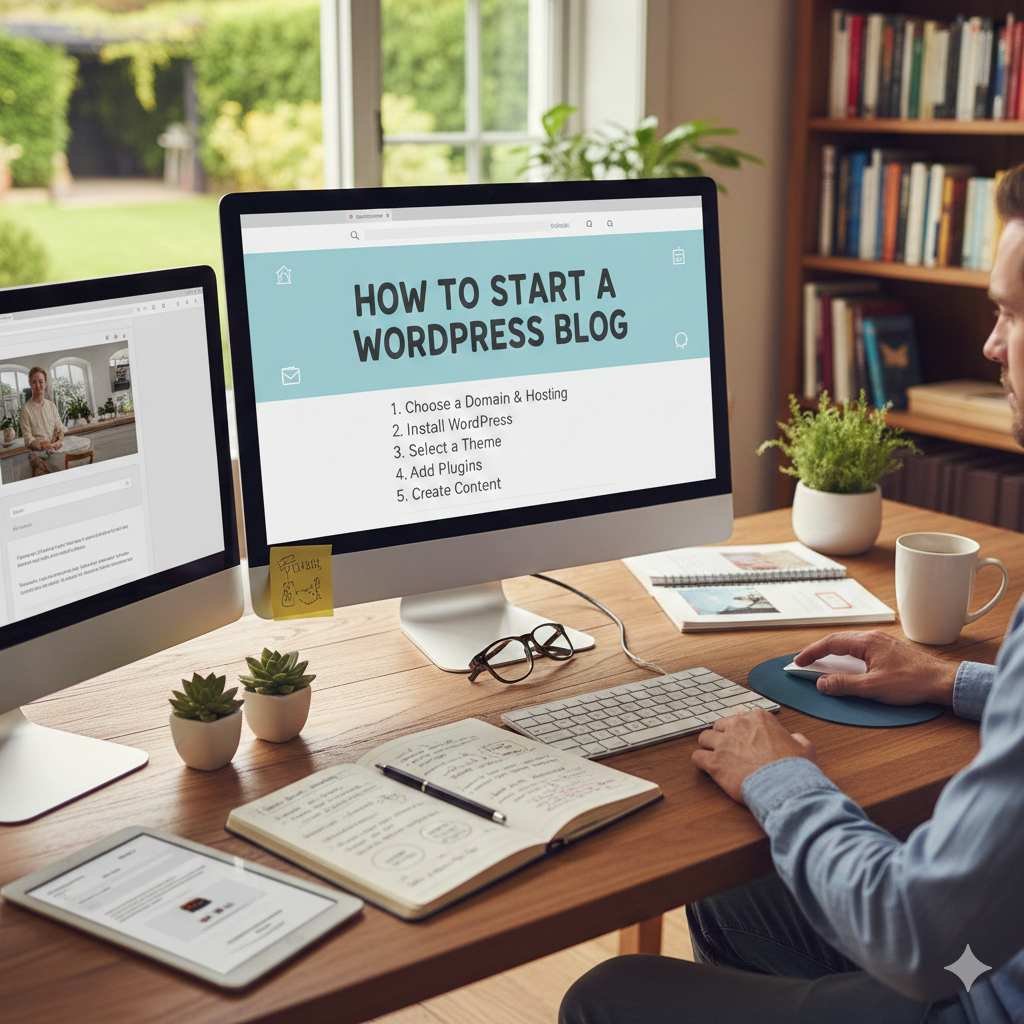
If you’ve ever thought about starting a blog but felt confused by the technical steps, don’t worry — you’re not alone. Today, with tools like WordPress, anyone can create a professional blogging website within a few hours, even without coding knowledge. Whether you want to share your ideas, earn from blogging, or build a long-term online brand, WordPress is the best platform to begin your journey.
In this complete guide, I’ll walk you through everything a new blogger needs to set up a WordPress website and start publishing content confidently.
What Is WordPress and Why Bloggers Love It?
WordPress is the world’s most popular website-building platform. Over 43% of all websites run on WordPress because:
- It’s easy to use
- It offers thousands of free themes
- It has powerful plugins
- It’s SEO-friendly
- It works for any niche (fashion, tech, finance, food, travel, etc.)
- You fully own your website
For beginners, WordPress is the simplest place to start, grow, and scale a blog.
Step 1: Decide Your Blogging Niche
Before you create the website, decide what your blog will be about. A niche helps you attract the right audience.
Some profitable niches for 2025 are:
- AI Tools & Technology
- Personal Finance
- Fitness & Lifestyle
- Food & Recipes
- Travel Guides
- WordPress Tips & Tutorials
- Parenting & Kids Activities
- Digital Marketing
- Personal Development
Pick something you enjoy writing about — consistency matters more than anything.
Step 2: Get a Domain Name and Hosting
To launch your WordPress blog, you need two things:
1. Domain Name
This is your blog’s name. Example: trendepost.com
Choose something short, brandable, and memorable.
2. Web Hosting
Hosting is where your website’s data is stored.
For beginners, you can use:
- Bluehost
- Hostinger
- SiteGround
- A2 Hosting
These hosting providers offer 1-click WordPress installation and are affordable.
Step 3: Install WordPress (One Click Setup)
Almost every hosting provider gives an option called “One-Click WordPress Install.”
Just follow these simple steps:
- Log into your hosting dashboard
- Look for WordPress Installer
- Select your domain
- Click Install
- Set your admin username and password
Congratulations — your WordPress site is now live!
Step 4: Choose a WordPress Theme
A theme decides how your blog looks. You don’t need to spend money in the beginning — there are many excellent free themes.
Best Free Themes for New Bloggers:
- Astra
- GeneratePress
- Neve
- Blocksy
- Kadence
Choose a theme that is:
✔ Lightweight
✔ Fast
✔ Mobile-friendly
✔ Customizable
After choosing a theme:
Go to Appearance → Themes → Add New → Install → Activate.
Step 5: Install Essential Plugins
Plugins add extra functionality to your blog. Here are the most important plugins to get started:
SEO Plugins
- Rank Math
- Yoast SEO
Security Plugins
- Wordfence
- Sucuri
Speed Optimization Plugins
- WP Super Cache
- LiteSpeed Cache
Useful Plugins
- Contact Form 7 or WPForms
- Site Kit by Google (Analytics + Search Console)
- Smush or WebP Express (Image Optimization)
Avoid installing too many plugins — 10–12 is enough for beginners.
Step 6: Create the Important Pages
Before publishing your first blog post, create these essential pages:
- About Us
- Contact Us
- Privacy Policy
- Terms & Conditions
- Disclaimer (for finance, health, or affiliate blogs)
These build trust with your audience and help in Google ranking.
Step 7: Start Writing Your Blog Posts
Now the most important part — content creation.
Tips for Writing High-Quality Blog Posts:
- Do keyword research (use Google Keyword Planner, Ahrefs, Ubersuggest, etc.)
- Write in a natural tone
- Use short paragraphs
- Add headings and bullet points
- Keep your blog posts between 1200–2000 words
- Add images (use royalty-free sources like Unsplash or Pexels)
- Always optimize for SEO
- Make your content helpful and original
Your First Blog Post Ideas:
- Why I Started This Blog
- Beginner Guide in Your Niche
- Top 10 Tools/Products in Your Industry
- Frequently Asked Questions Beginners Ask
Publish at least 2–3 posts per week in the beginning.
Step 8: Submit Your Blog to Google
To get traffic from Google, you must:
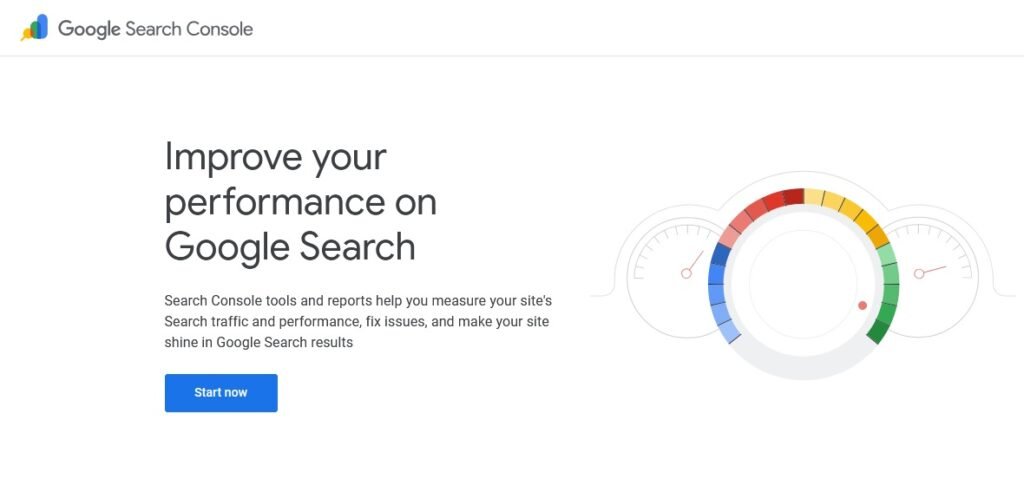
1. Add Google Search Console
This helps Google understand your website.
2. Submit Your Sitemap
Go to:
yourdomain.com/sitemap.xml
Paste it in Search Console.
3. Install Google Analytics
This helps you track visitors.
If you use Site Kit by Google, both are automatically connected.
Step 9: Customize Your Blog
You can make your blog look professional by:
- Adding a logo
- Changing colors
- Setting up menus
- Adding sidebar widgets
- Creating a homepage
- Adding social sharing buttons
WordPress gives unlimited customization options.
Step 10: Monetize Your Blog
Once you start getting traffic, you can earn from your blog:
1. Google AdSense
Earn money from ads.
2. Affiliate Marketing
Promote products like Amazon, Awin, ShareASale, Hostinger, etc.
3. Sponsored Posts
Brands will pay you to write articles.
4. Sell Your Own Products
E-books, courses, WordPress plugins, tools (just like your sobeasy.com project).
5. Freelance Services
Content writing, web design, SEO services, etc.
Blogging is a long-term game — but it can be life-changing once you build traffic.
Final Thoughts
Starting a WordPress blog in 2025 is easier than ever. You don’t need technical knowledge or expensive tools. All you need is:
✔ A domain
✔ Hosting
✔ WordPress setup
✔ A good theme
✔ Essential plugins
✔ Consistent writing
If you stay patient and publish helpful content regularly, your blog can turn into a strong online income source within a few months.
Blogging rewards those who don’t quit early.
So start today — your audience is waiting!