
In today’s fast-paced digital world, productivity tools aren’t just helpful — they’re essential. Whether you’re a student, freelancer, entrepreneur, or professional, having the right set of free online tools can save you time, improve your work quality, and help you stay organized.
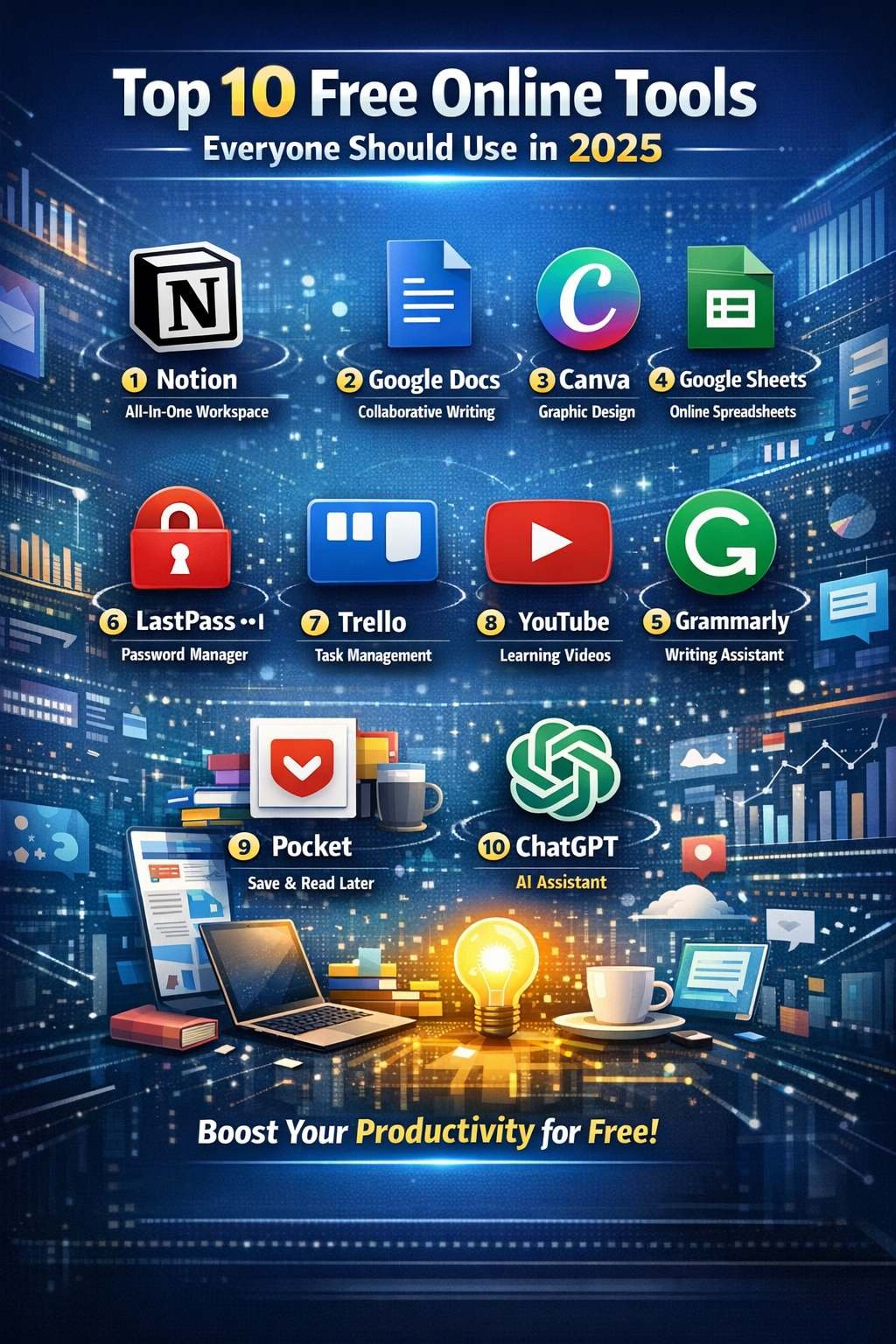
In 2025, we’re fortunate to have a wide range of powerful tools that are available at zero cost. Below, we explore the top 10 free online tools everyone should use this year — from writing and design to security and learning.
🎯 1. Notion — All-In-One Workspace for Productivity
Best For: Task management, notes, planning, database organization.
Notion continues to be one of the most versatile productivity platforms in 2025. With customizable pages, calendars, to-do lists, kanban boards, and database support, it replaces multiple apps in one sleek interface.
✅ Features:
- Templates for tasks, journals, habit trackers, budgets
- Team collaboration
- Integrated calendar & reminders
Whether you’re planning your day or building a business wiki, Notion is the go-to tool.
✍️ 2. Google Docs — Collaborative Writing in Real-Time
Best For: Document creation, collaboration, offline editing.
Google Docs remains a staple for students and professionals alike. It allows real-time collaboration, smart suggestions, voice typing, and seamless integration with Google Drive.
🔹 Why It Still Leads in 2025:
- Easy sharing with permissions
- Auto-save and cloud access
- Free templates for resumes, essays, and business docs
🧠 3. Canva — Simple Graphic Design for Everyone
Best For: Social media graphics, presentations, posters, videos.
Canva’s drag-and-drop interface is ideal for non-designers. With thousands of free templates and assets, you can create professional visuals without Photoshop skills.
🎨 Top Uses:
- YouTube thumbnails
- Infographics
- Instagram posts
- Business cards and logos
Canva has become indispensable for bloggers, marketers, and content creators.
📊 4. Google Sheets — Free Online Spreadsheet Powerhouse
Best For: Data analysis, budgeting, charts, automation.
Google Sheets continues to replace expensive spreadsheet software by offering advanced functions, real-time collaboration, and add-ons for automation.
📈 Highlights:
- Data visualization with charts
- Formulas for advanced calculations
- Integration with Google Forms and Apps Script
💬 5. Grammarly — Real-Time Writing Assistant
Best For: Spelling, grammar, tone, and clarity improvements.
Whether you’re drafting emails, reports, or blog articles, Grammarly provides real-time feedback to make your writing clearer and more professional.
✨ Features:
- Grammar & punctuation checks
- Tone suggestions
- Plagiarism checker (free mode available)
Perfect for writers, students, and business professionals alike.
🔐 6. LastPass — Free Password Manager
Best For: Secure password storage and autofill.
In a world of countless online accounts, remembering passwords is impossible — that’s where LastPass steps in. It securely stores your credentials and fills them automatically when you need them.
🛡️ Benefits:
- AES-256-bit encryption
- Generates strong passwords
- Syncs across devices (free version has limitations)
Keeping your accounts secure has never been easier.
📅 7. Trello — Visual Task & Project Management
Best For: Project tracking with boards and cards.
Trello’s intuitive board system makes it easy to visualize your tasks and workflows. It’s especially popular with teams using Agile and Kanban styles.
✔️ Core Features:
- Drag-and-drop organization
- Labels, due dates, checklists
- Team collaboration
Whether managing work projects or personal goals, Trello keeps you organized.
🎥 8. YouTube — Learn Anything, Anytime
Best For: Free tutorials, skills, entertainment.
YouTube may be known for entertainment, but in 2025 it’s one of the most powerful learning platforms globally. From coding tutorials to language lessons and DIY guides — everything is free.
💡 Top Uses:
- Skill development
- How-to video guides
- Educational channels
Learning new skills online has never been easier.
📌 9. Pocket — Save & Read Later
Best For: Saving articles, videos, and web pages for later.
With Pocket, you don’t have to lose track of interesting articles or videos. Save them in your Pocket list and read at your convenience — even offline.
📲 Useful Features:
- Tagging & organizing saved items
- Recommended articles based on interests
- Offline reading mode
A powerful tool for learners, bloggers, and knowledge workers.
🧪 10. ChatGPT — AI Assistant for Everything
Best For: Writing, coding help, brainstorming, learning.
ChatGPT is more than a chatbot. From generating ideas and writing drafts to solving coding problems or learning new concepts — it’s a versatile AI assistant in 2025.
🤖 Ways to Use ChatGPT:
- Generate content ideas
- Write emails and essays
- Study help and explanations
- Creative writing and prompts
Whether you’re a student, professional, or creator — ChatGPT can save time and boost productivity.
🚀 Conclusion
In 2025, digital tools are essential for productivity, learning, and creativity — especially when they’re free and accessible to everyone. From organizing your tasks with Notion and Trello, to polishing your writing with Grammarly and discovering knowledge on YouTube, these tools empower you to do more with less.
For more visit regularly trendepost.com